


Built on Finnish education principles
Movement-based learning for better focus and healthier kids
CONNECT SCHOOL AND HOME. THROUGH MOVEMENT.
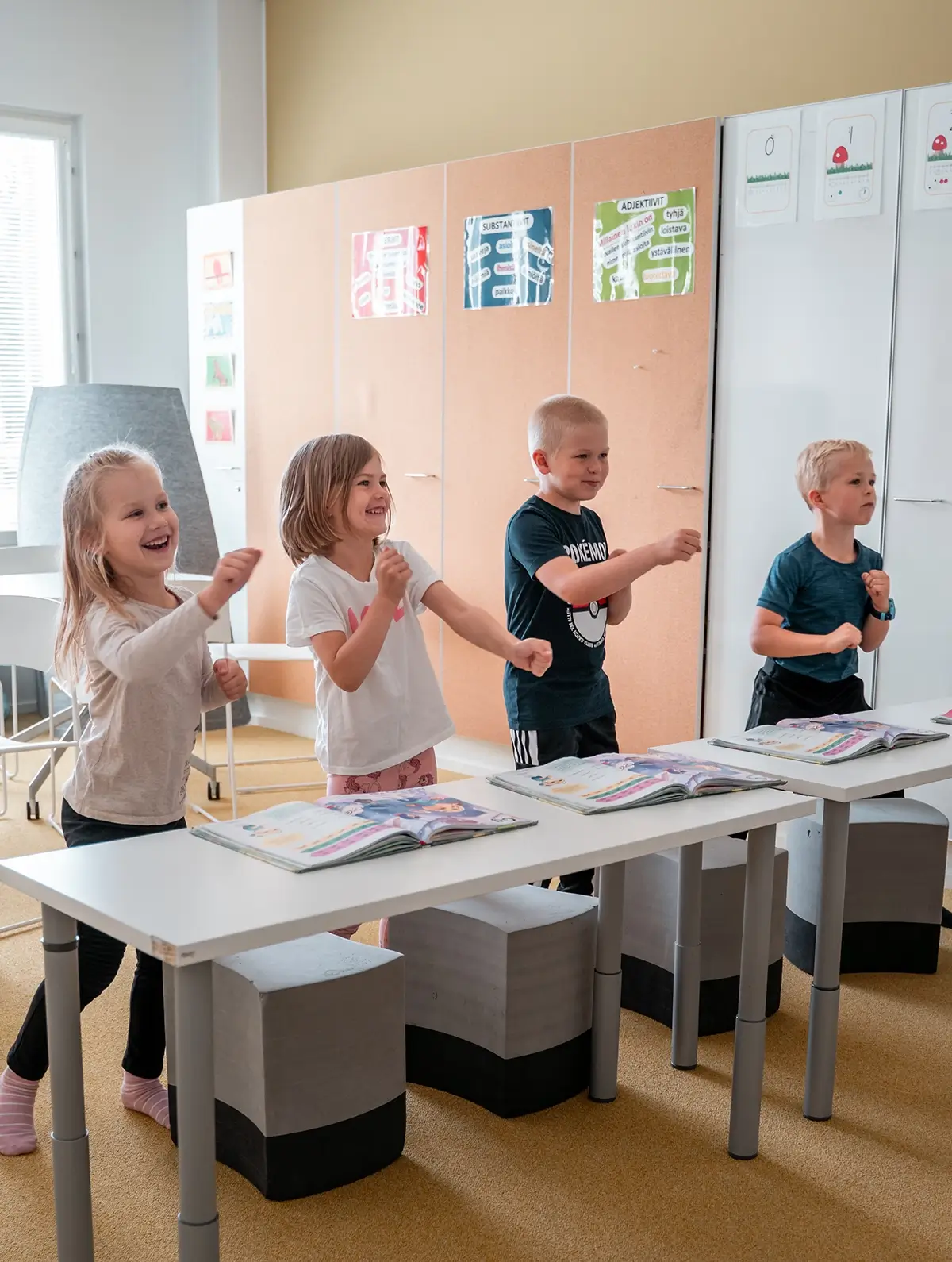
Geego helps schools build daily movement routines that continue at home and improve focus, skills and learning readiness.
—
—




Pedagogical foundation
Why Geego matters for learning
A structured approach to physical activation that translates directly into better academic outcomes and classroom wellbeing.
01
Motor Skills
build the foundation for all physical learning
02
Focus
improve attention and readiness in the classroom
03
Confidence
encourage trying, learning and trying again
04
Readiness to Learn
support daily learning through movement-based routines
Product ecosystem
What is Geego?
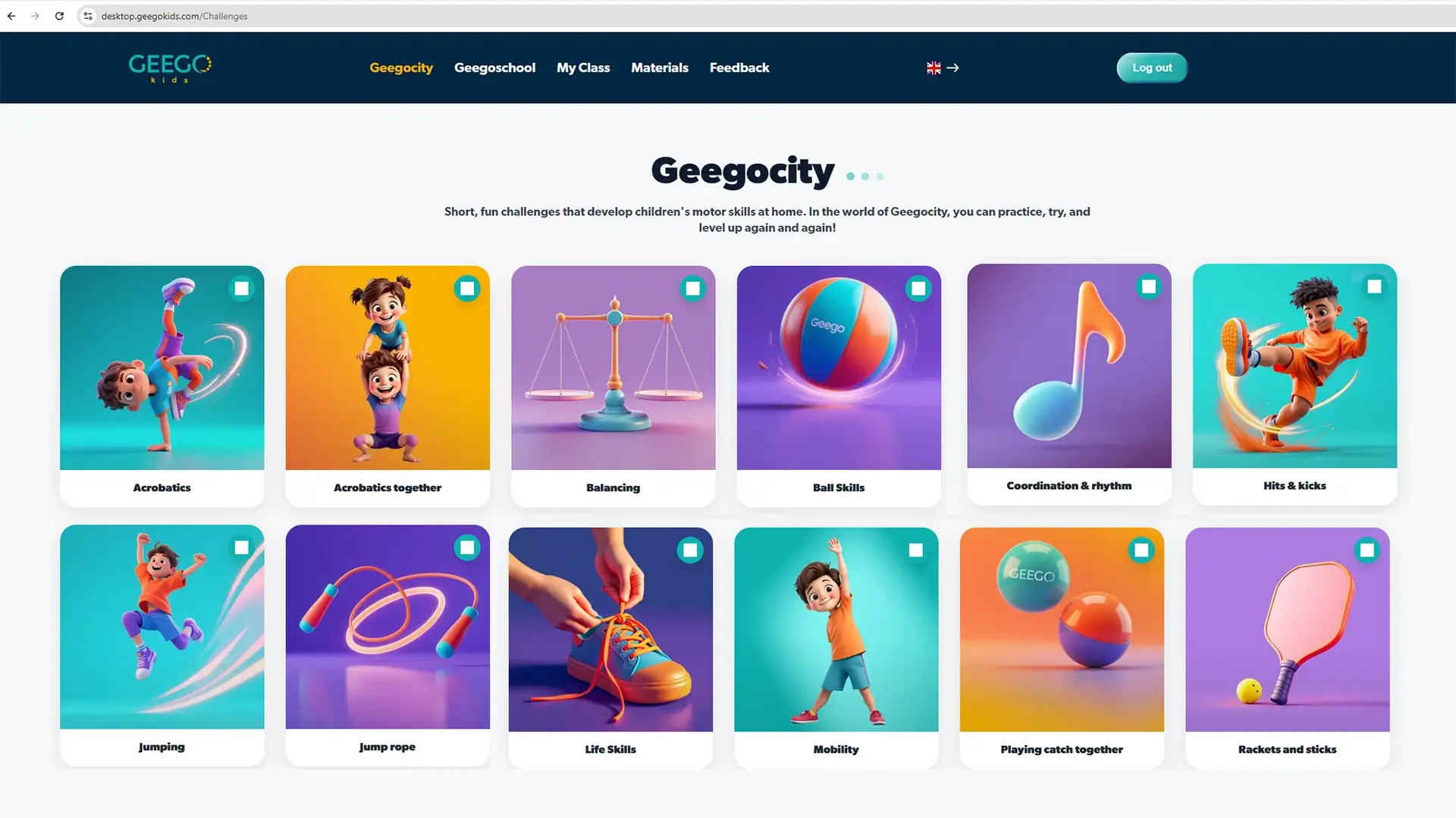
Geego is a movement-based learning platform used in schools and at home. It combines guided video sessions, skill development and daily routines into one system.
In the classroom
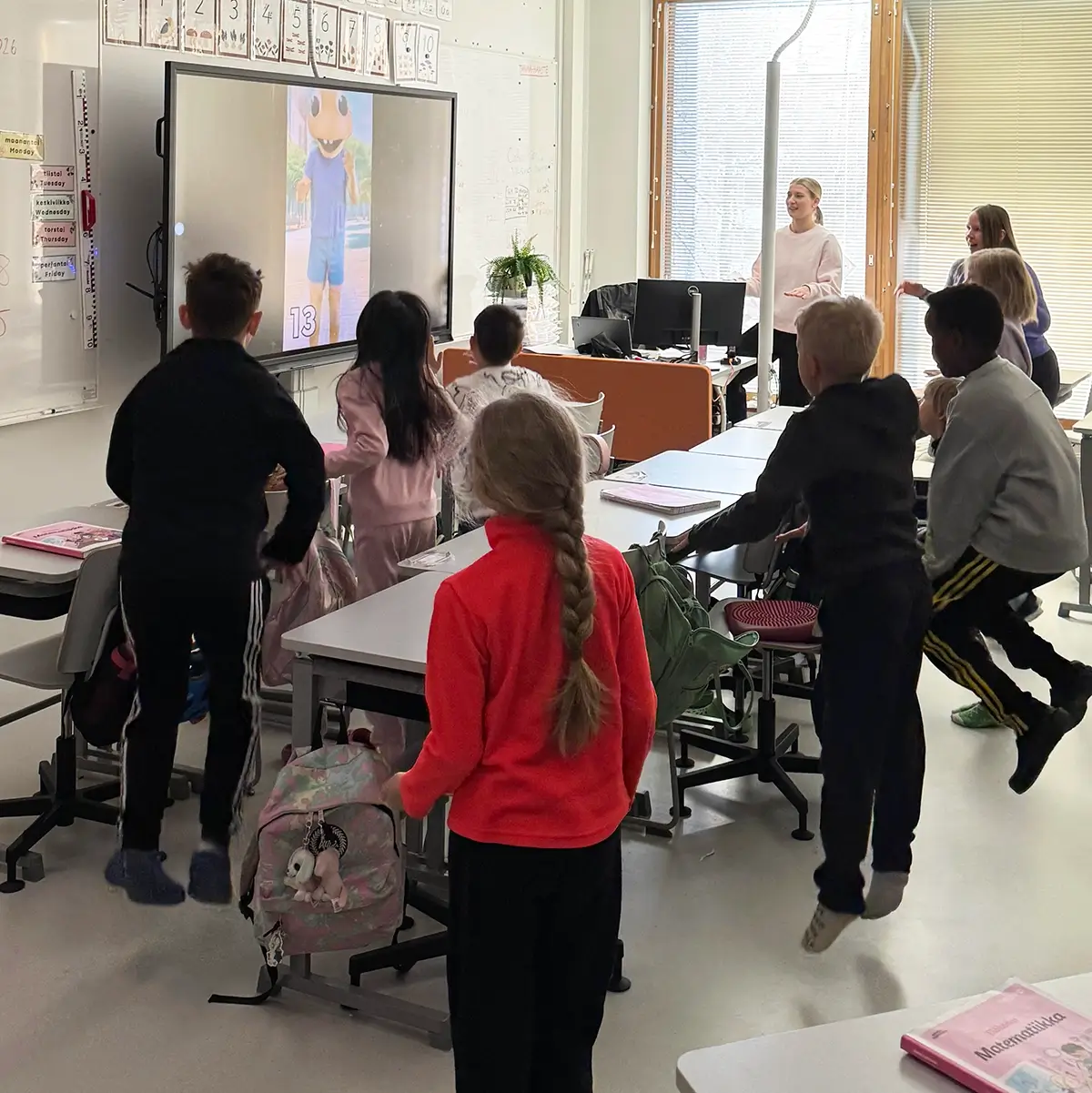
Ready-to-use movement sessions that build motor skills, focus and learning readiness - including math and basic cognitive skills.
At home
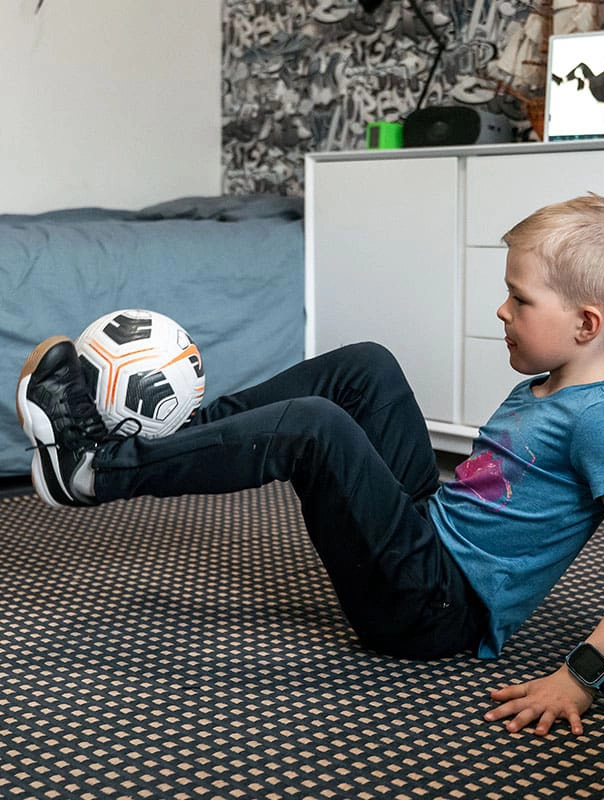
Challenges that help children continue practicing and reinforce what they learn at school.
In the app
A mobile platform with nearly 1000 guided videos and a recommendation system that adapts to each child.
Developed with experts from Varala Sports Institute, based on Finnish movement pedagogy.
Web platform + mobile app
Teacher dashboard, classroom content and guided sessions across devices
Geego web
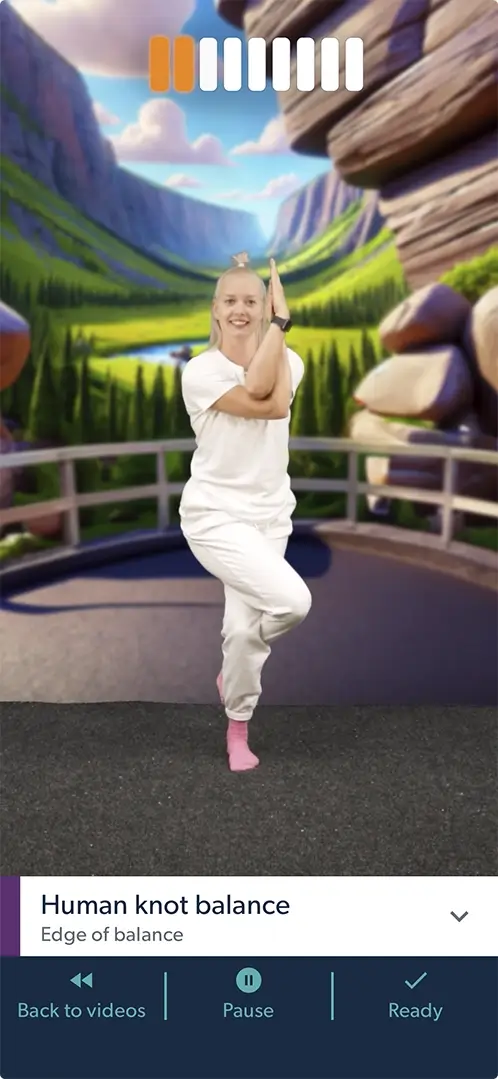
1k+Guided videos
A movement growing across the world
From classrooms to families — Geego is becoming part of daily life across countries.
“Geego allowed me to observe my students instead of leading the session. It was amazing to see how focused they were — really trying and concentrating. The movements were just challenging enough, and progress was visible very quickly.”
Hanna Veijola
Teacher / Finland
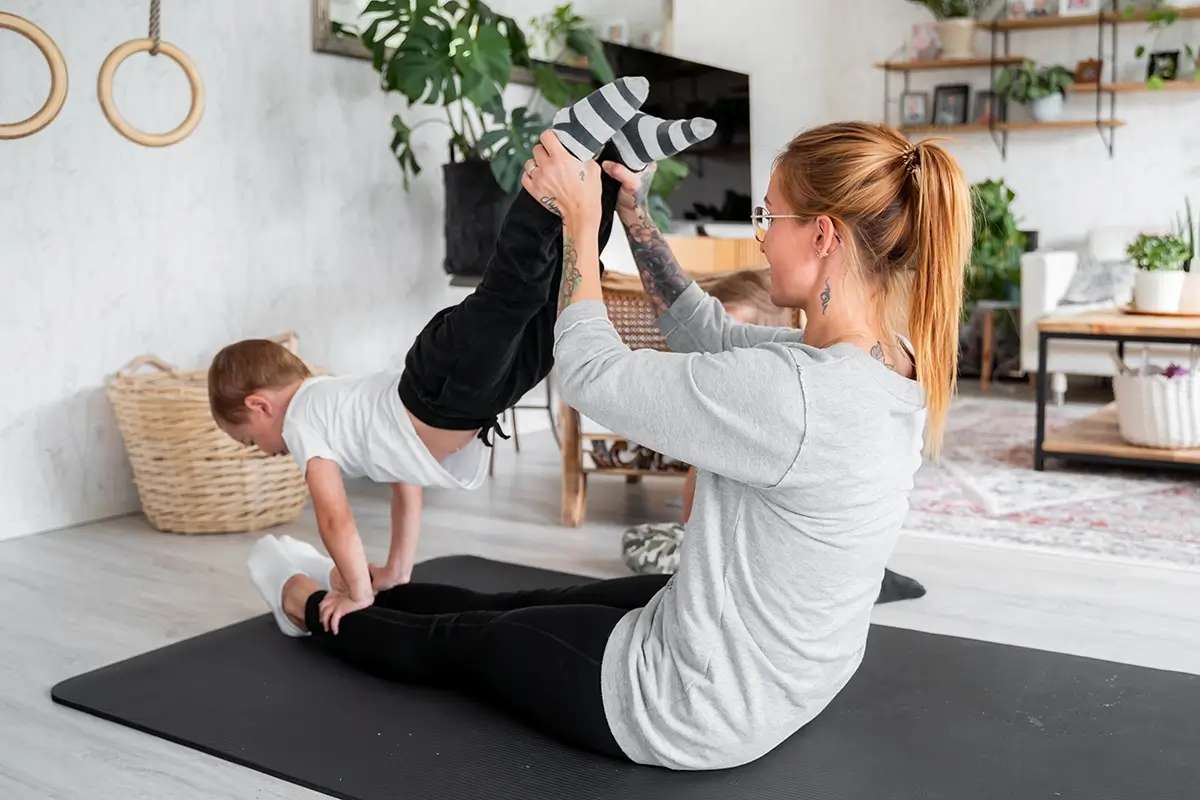
“There’s something magical about Geego. Children focus, try, fail — and then try again. And they genuinely enjoy the process.”
Iida Ruotsalainen
Parent / Finland
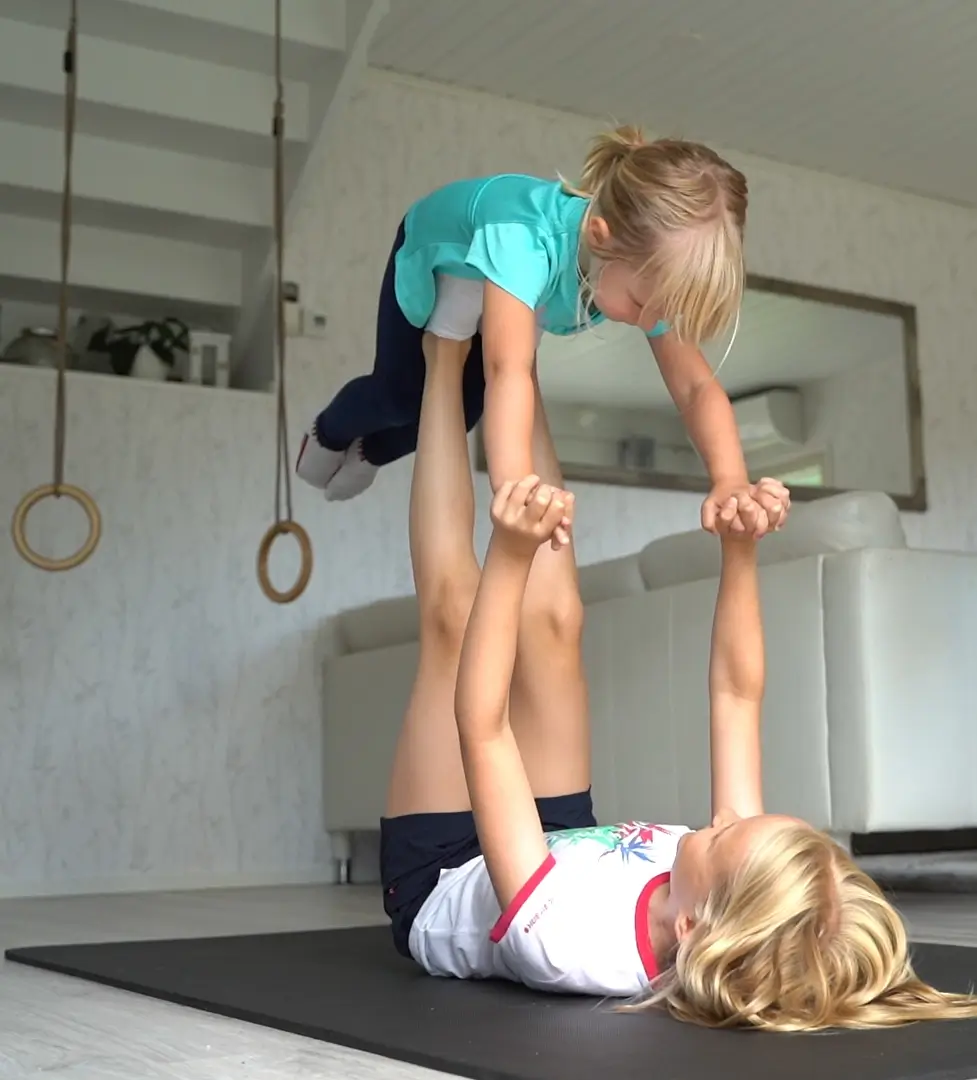
Parent / Finland
“Geego has improved our children’s motor skills, focus, social interaction and willingness to try.”
Iida Ruotsalainen
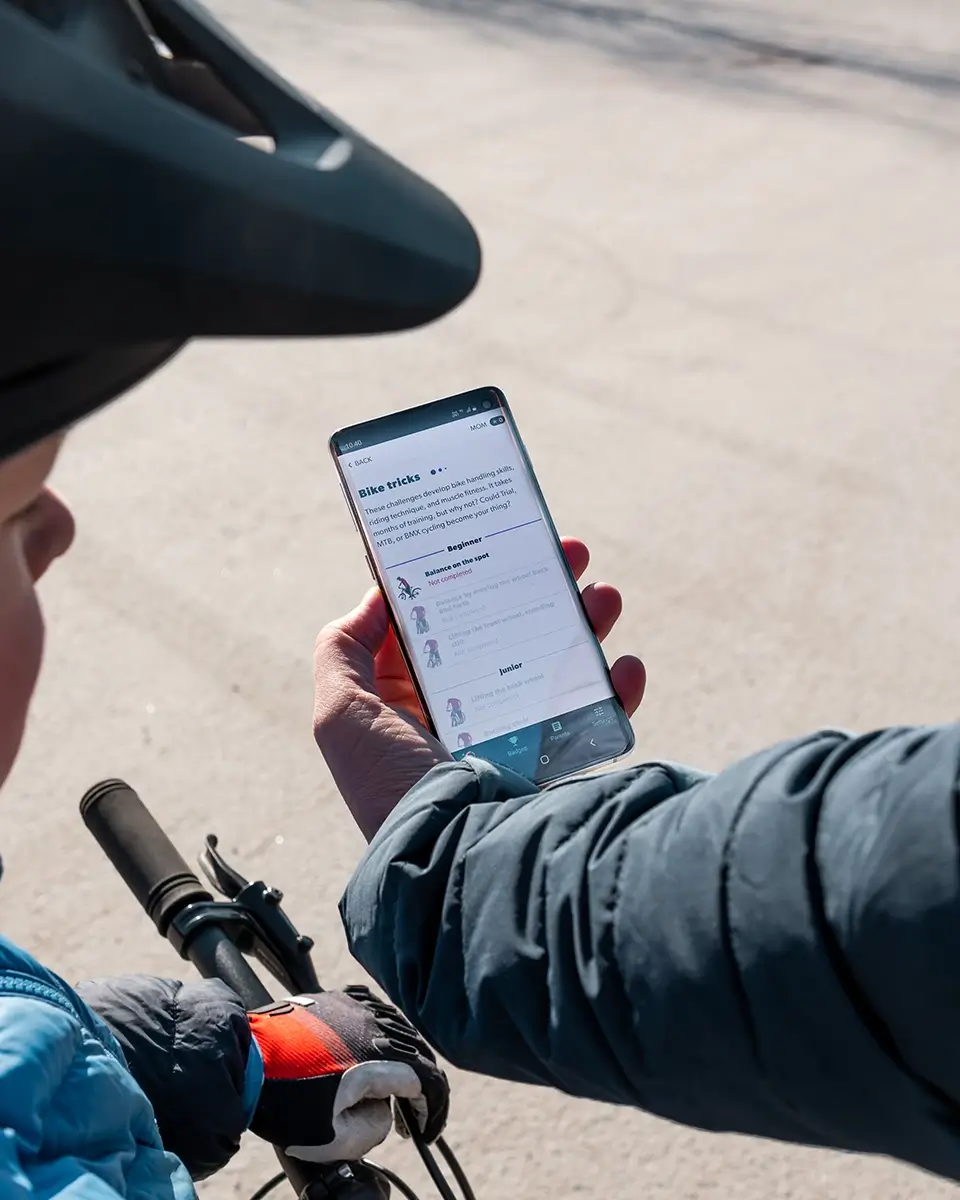
FE
Family experience
Parents / Finland
“Siblings help and teach each other. When one figures something out, they excitedly show it to the others.”
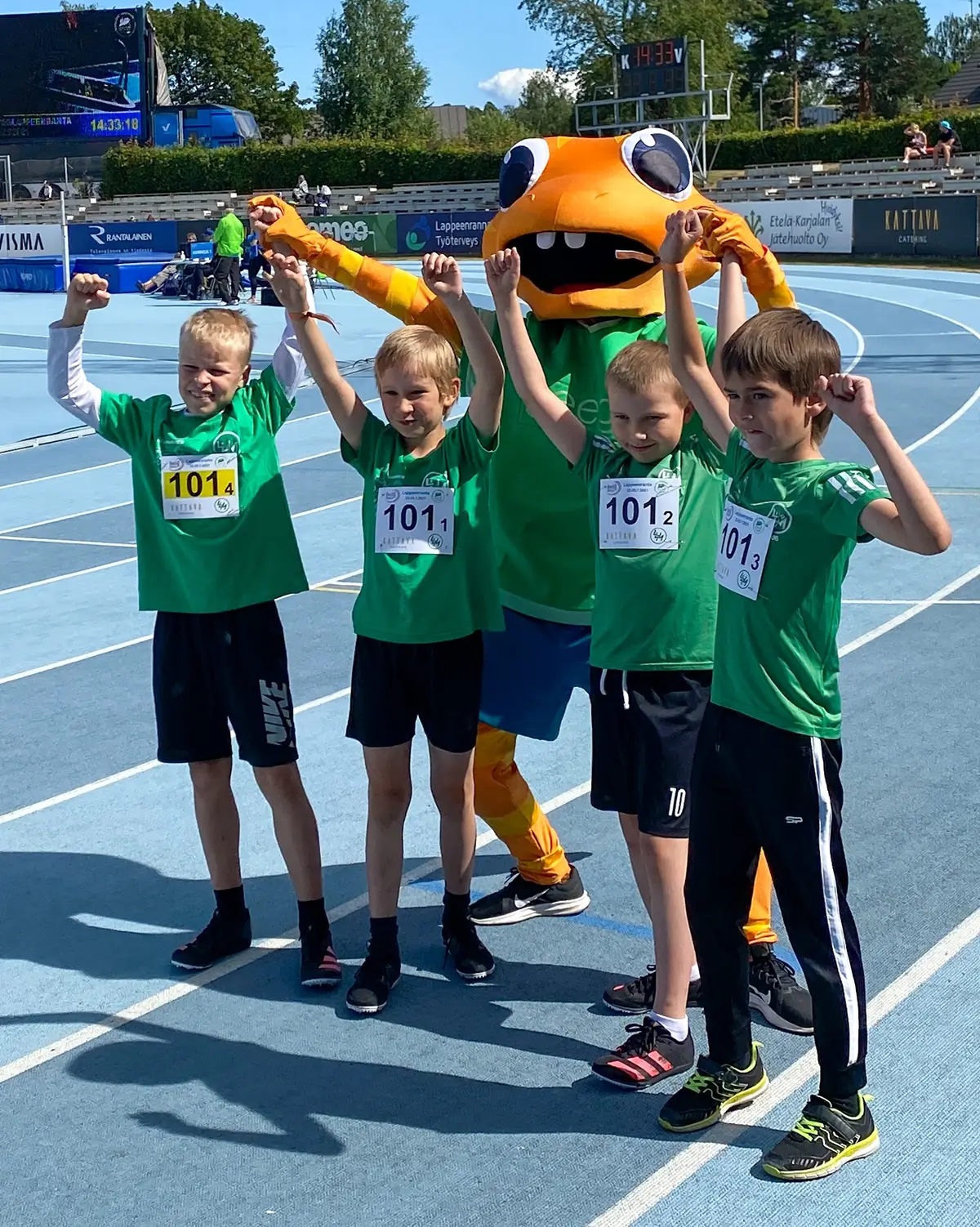
“
We need more ways to get children moving. Geego is a practical and effective solution worth developing further.
Hanna-Maria Mannila
Medical Doctor / Finland
“Geego allowed me to observe my students instead of leading the session. It was amazing to see how focused they were — really trying and concentrating. The movements were just challenging enough, and progress was visible very quickly.”
Hanna Veijola
Teacher / Finland
“There’s something magical about Geego. Children focus, try, fail — and then try again. And they genuinely enjoy the process.”
Iida Ruotsalainen
Parent / Finland
Parent / Finland
“Geego has improved our children’s motor skills, focus, social interaction and willingness to try.”
Iida Ruotsalainen
FE
Family experience
Parents / Finland
“Siblings help and teach each other. When one figures something out, they excitedly show it to the others.”
“
We need more ways to get children moving. Geego is a practical and effective solution worth developing further.
Hanna-Maria Mannila
Medical Doctor / Finland

“Regular physical activity is essential for children’s health, wellbeing and life skills. Solutions like Geego make movement natural and engaging.”
Jari Parkkari
Professor of Sports Medicine / Finland
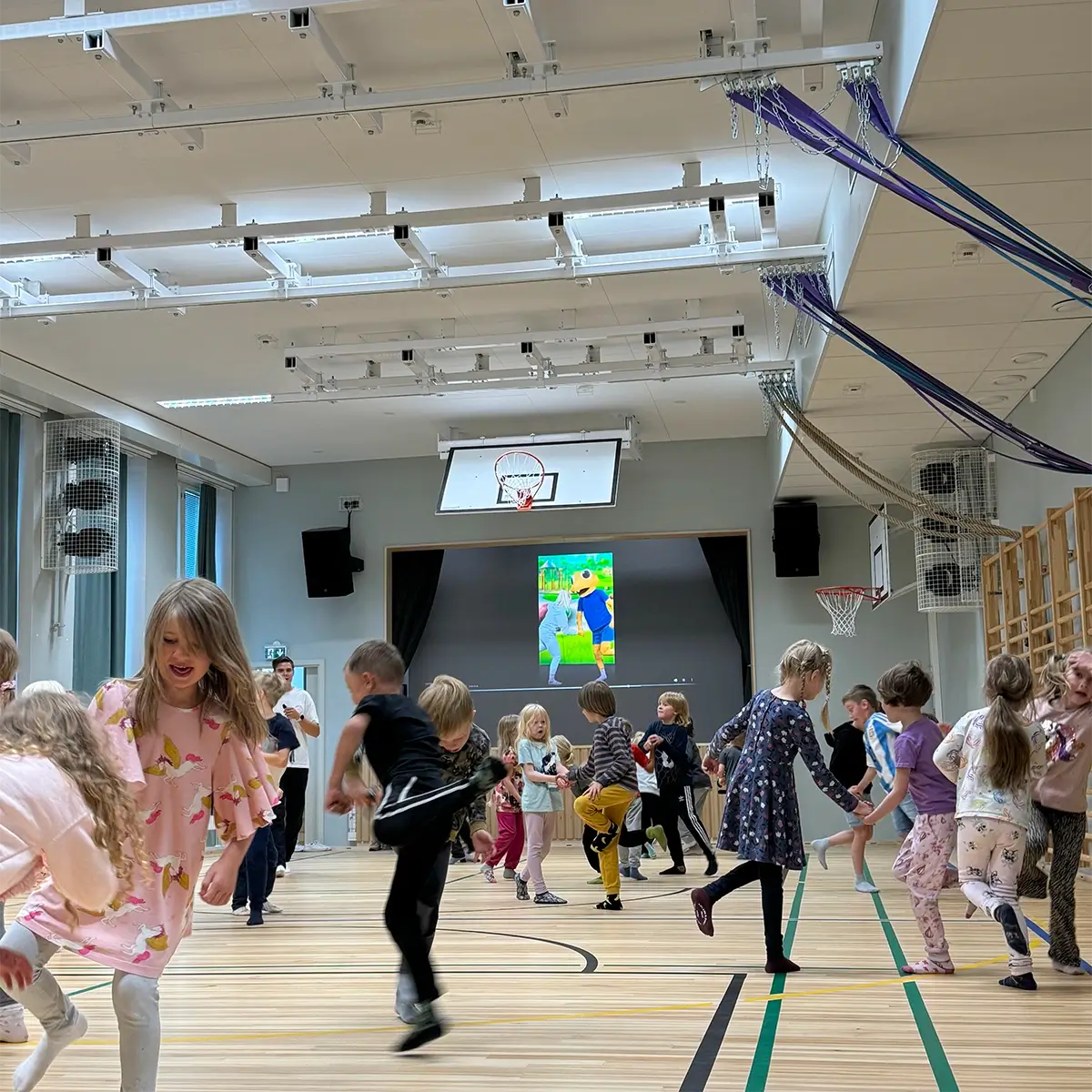
“
Geego moments are a great break during the school day — they energize students and help them refocus.
Teacher feedback
Teacher / Finland
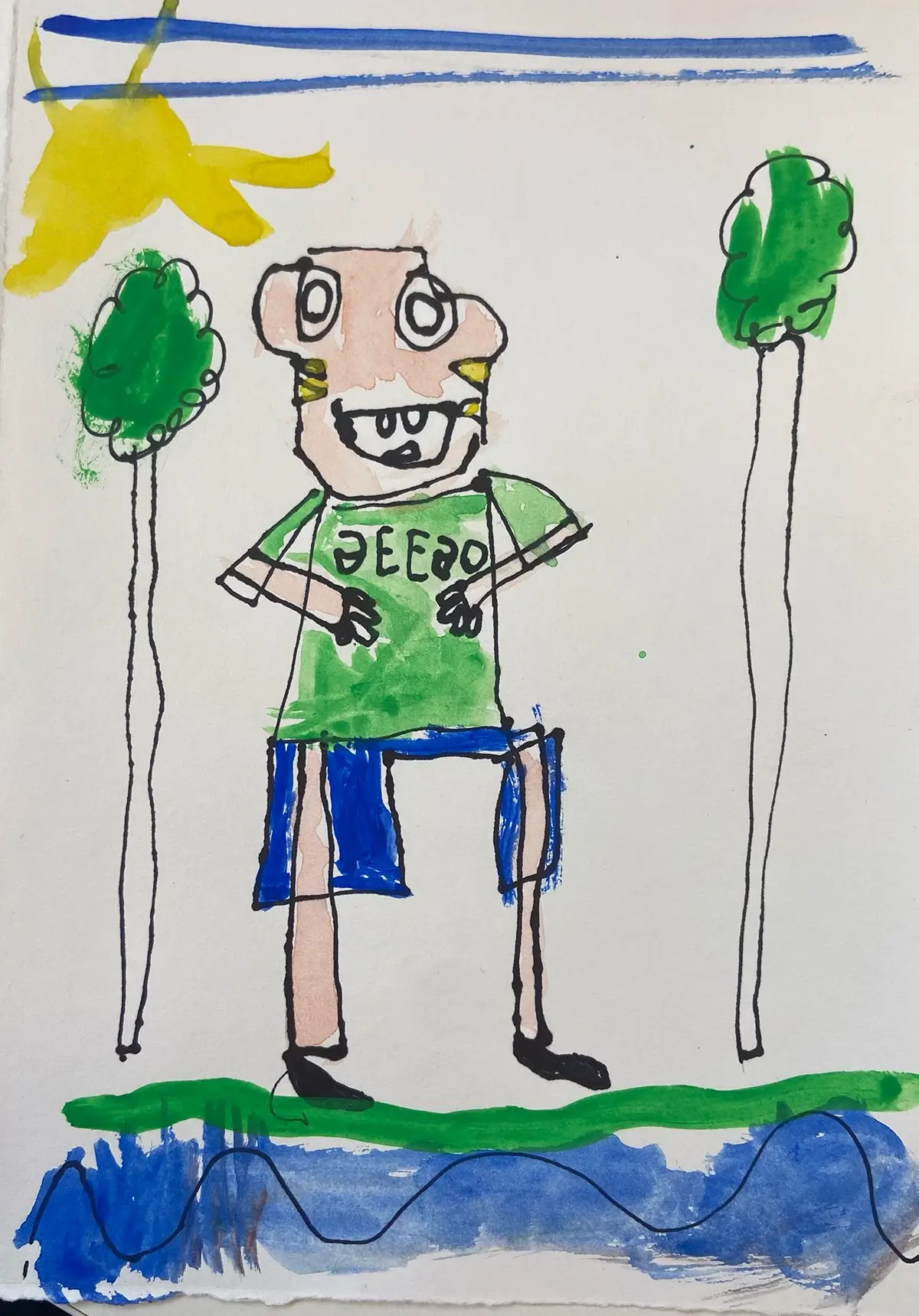
“
Children started calling Geego their hobby.
Child insight
School / Finland
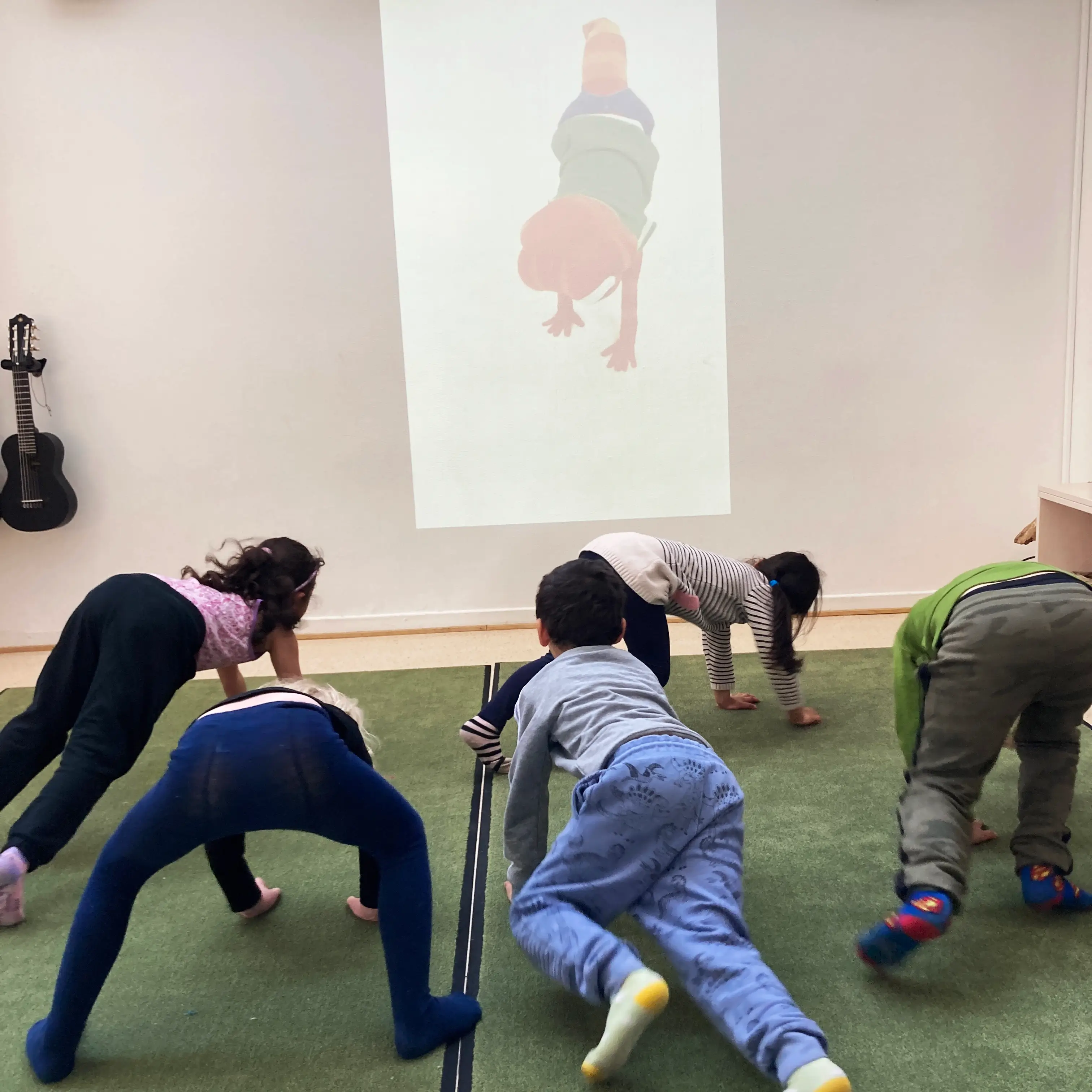
ME
Maria Engel
Preschool Teacher / Sweden
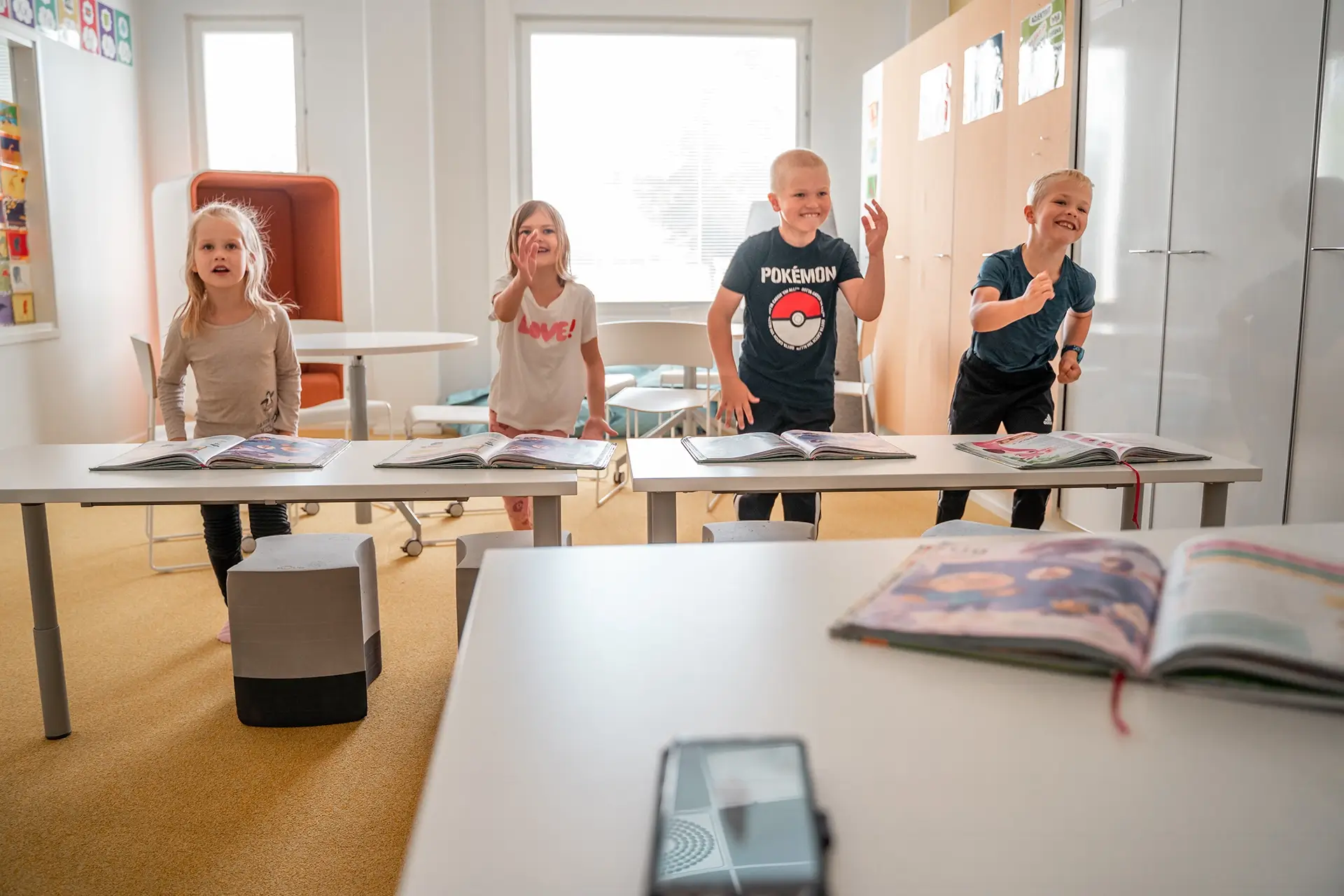
“Geego makes it easy to get the whole group moving together — and laughing at the same time. The activities are engaging and keep children focused.”
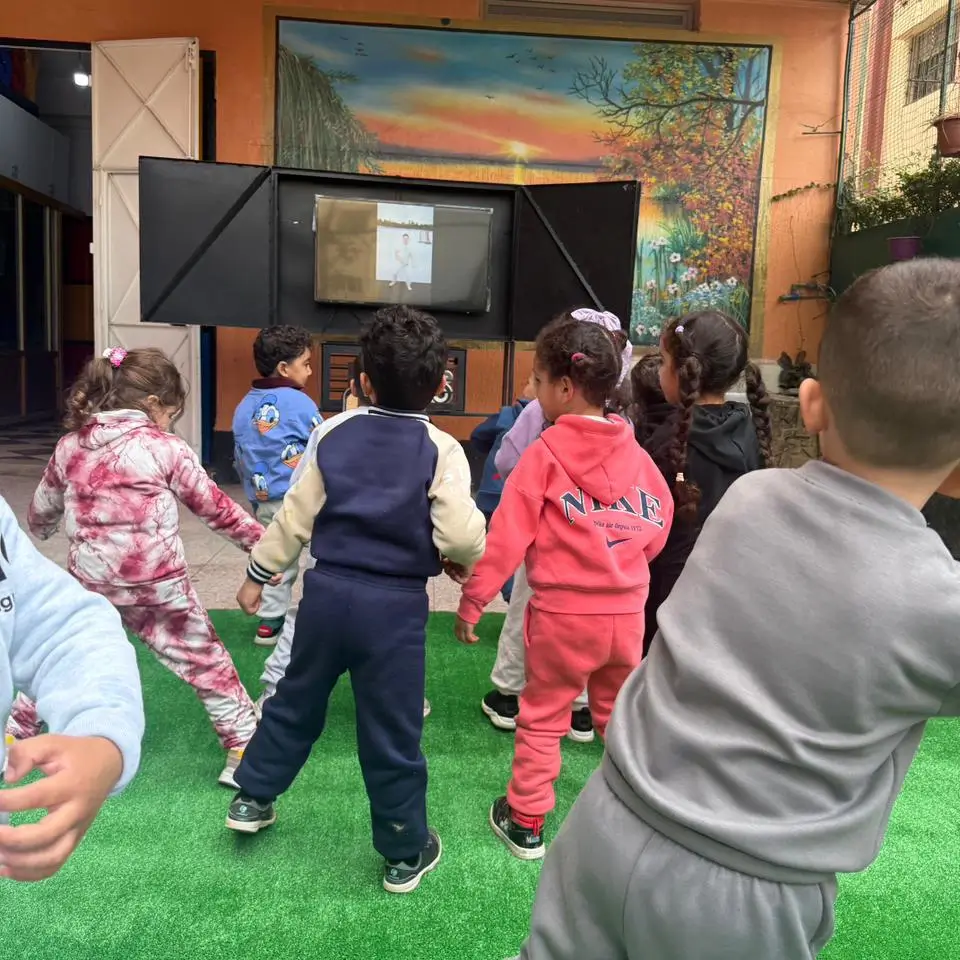
School Pilot / Morocco
“We observed clear improvements in focus, engagement and classroom readiness. Even less active students became more motivated and involved.”
Référence Anassys School
“Regular physical activity is essential for children’s health, wellbeing and life skills. Solutions like Geego make movement natural and engaging.”
Jari Parkkari
Professor of Sports Medicine / Finland
“
Geego moments are a great break during the school day — they energize students and help them refocus.
Teacher feedback
Teacher / Finland
“
Children started calling Geego their hobby.
Child insight
School / Finland
ME
Maria Engel
Preschool Teacher / Sweden
“Geego makes it easy to get the whole group moving together — and laughing at the same time. The activities are engaging and keep children focused.”
School Pilot / Morocco
“We observed clear improvements in focus, engagement and classroom readiness. Even less active students became more motivated and involved.”
Référence Anassys School
GEEGOGAMES LIVE CHALLENGE
9
FREE CLASS SPOTS
Available for early schools
Claim yours before they're gone
Turn movement into a game your class wants to win
Your class moves, the leaderboard reacts, and the challenge continues at home.
Teacher access opens immediately
Takes 2 minutes
LIVE LEADERBOARD
1
OPEP2
moving now4,750
+0%
2
OPEA
2,615
TOTAL PTS
3
JUKO2B
2,570
TOTAL PTS
4
JENNYN_LUOKKA
2,040
TOTAL PTS
5
BYE
1,255
TOTAL PTS
Leaderboard updating live
Geego Insights
What we’re seeing in schools
Research, policy and practical ideas for building movement into everyday learning.
Finland Is Making Movement Mandatory in Schools — Here’s Why It Matters
Finland is turning movement into a responsibility for schools. Here’s why the change matters for learning.
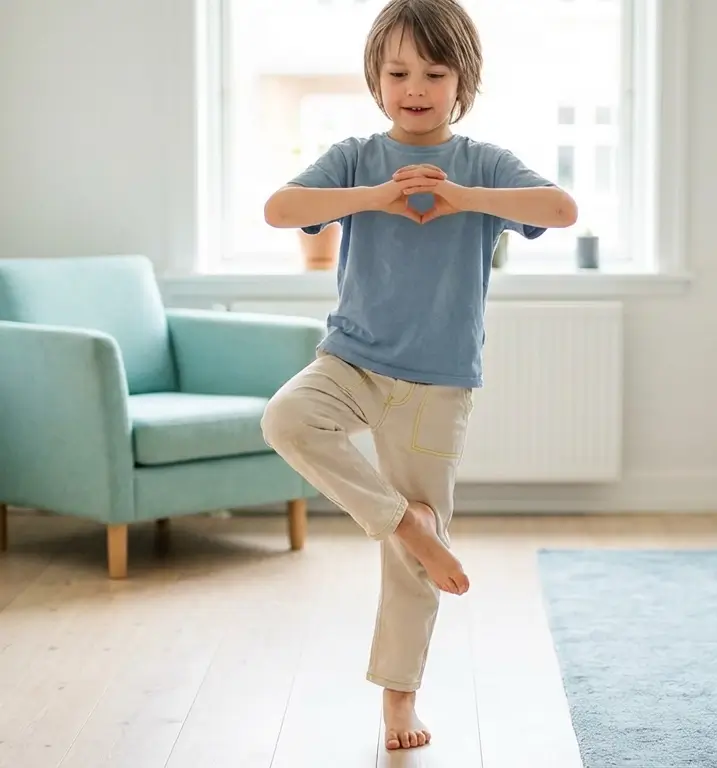
Why Motor Skills Matter More Than We Think — And Why Schools Can’t Ignore Them Anymore
Motor skills are not just physical skills. They support focus, confidence and learning readiness.
Why Children Struggle to Focus in School — And Why the Problem Starts in the Body
Focus is not only a mental skill. Movement helps create the conditions children need to learn.
How Schools Can Implement Finland’s Movement Reform in Practice
Policy change only matters when it becomes daily routine. Here’s how schools can make movement practical.
FINNISH MOVEMENT-BASED LEARNING SYSTEM
START GEEGO IN YOUR SCHOOL
Geego helps schools build daily movement routines that strengthen motor skills, focus, confidence and readiness to learn. Teachers can start quickly, and children continue the habit through school-led home use.
NO BUDGET NEEDED TO START
Schools can begin through sponsor-supported access.
READY IN MINUTES
Teachers can get started quickly with minimal setup.
BUILT FOR REAL CLASSROOMS
Designed for everyday school use with short guided sessions.
SCHOOL-LED HOME CONTINUATION
Children keep practicing through home challenges linked to school routines.
Geego guides children with videos in English, Swedish and Finnish.
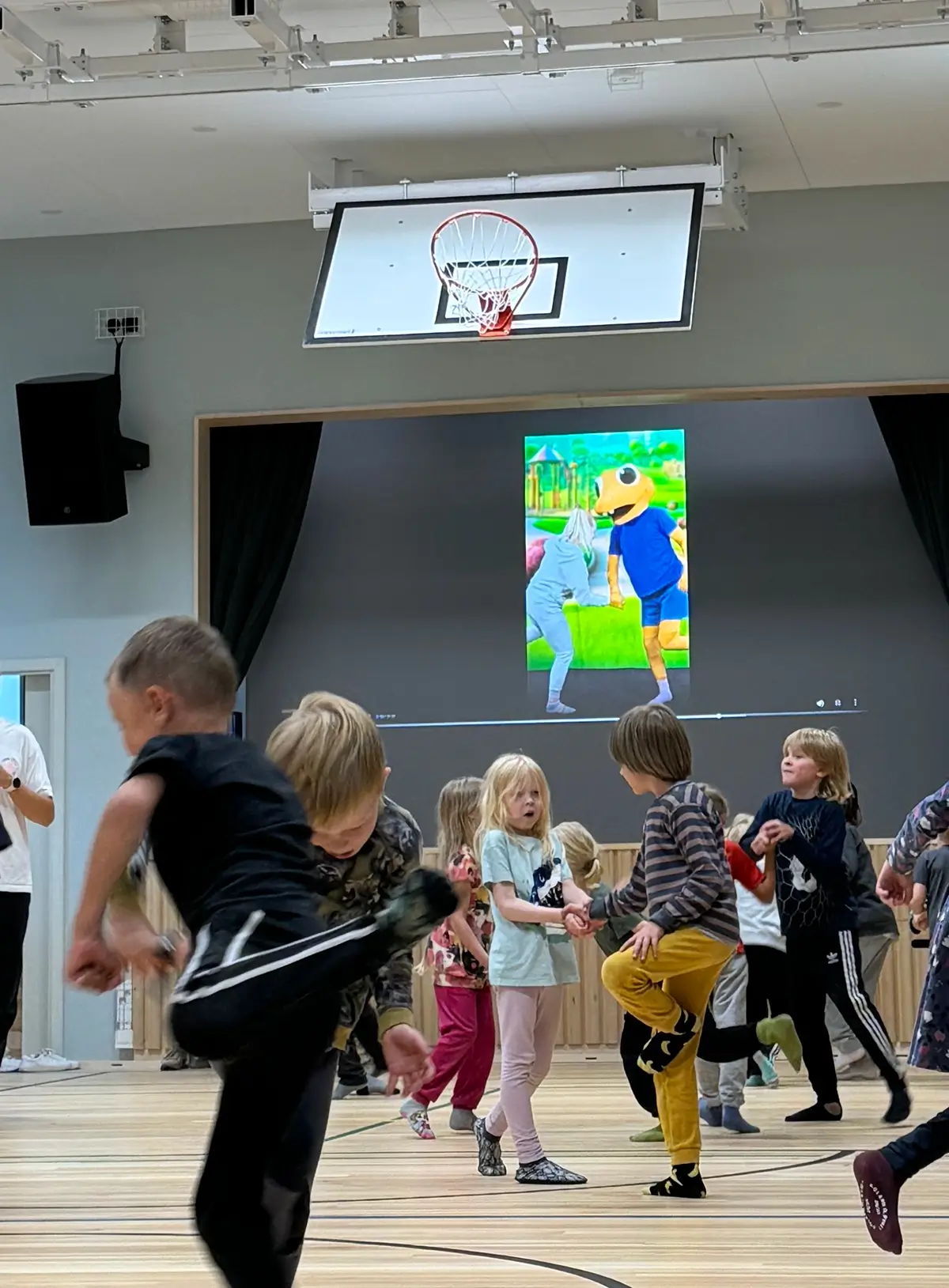
Start in minutes. Keep it going at school and at home.
STEP 1
SHARE THE BASICS
Tell us who you teach and where. Takes less than a minute.
STEP 2
GET YOUR CLASS CODE
We'll create your class right away and show your class code on the next screen.
STEP 3
BRING FAMILIES IN
Invite families to join with simple at-home activities that support your teaching.
STEP 4
START MOVING
Start short movement sessions that improve focus, calm the class, and support learning.